
Spacebar Clicker: Test Your Spacebar Speed & CPS Rate (Free Tool)
Welcome to our free spacebar clicker! This tool measures how fast you can press the spacebar key and calculates your clicks per second (CPS), all directly in your browser. No downloads, no signups, just instant results.
How to Use the Spacebar Clicker
Here’s exactly how to get started and get accurate results every time:
- Select your preferred timer (5s, 10s, 30s, or custom)
- Click “Start Test” or just press the spacebar to begin
- Press the spacebar as fast as possible until the timer runs out
- View your results: Total clicks, CPS (clicks per second), and performance rating
For Best Results When You Play Spacebar Clicker
To get the most out of every timed challenge, keep these tips in mind:
- Use a mechanical keyboard for better response and faster registration
- Keep your fingers positioned comfortably on the spacebar
- Maintain a comfortable posture and relaxed wrists
- Stay focused on rhythm and consistency instead of wild bursts
- Take multiple tests to find your true average spacebar count
Small changes in technique can make a big difference in your final score.
Understanding Your Results and Spacebar Counter
After each test, the spacebar counter shows your total taps and CPS. Here’s what those numbers actually mean:
Elite: 12+ CPS
Excellent: 10-12 CPS
Good: 8-10 CPS
Average: 6-8 CPS
Below Average: 4-6 CPS
Beginner: Below 4 CPS
Don’t worry if you start in the lower ranges, most people do. Your score depends on finger technique, keyboard type, how often you practice, and even your physical stamina that day. The great thing about the spacebar counter is you can see real improvement almost immediately with regular practice.
What is Spacebar Clicker?
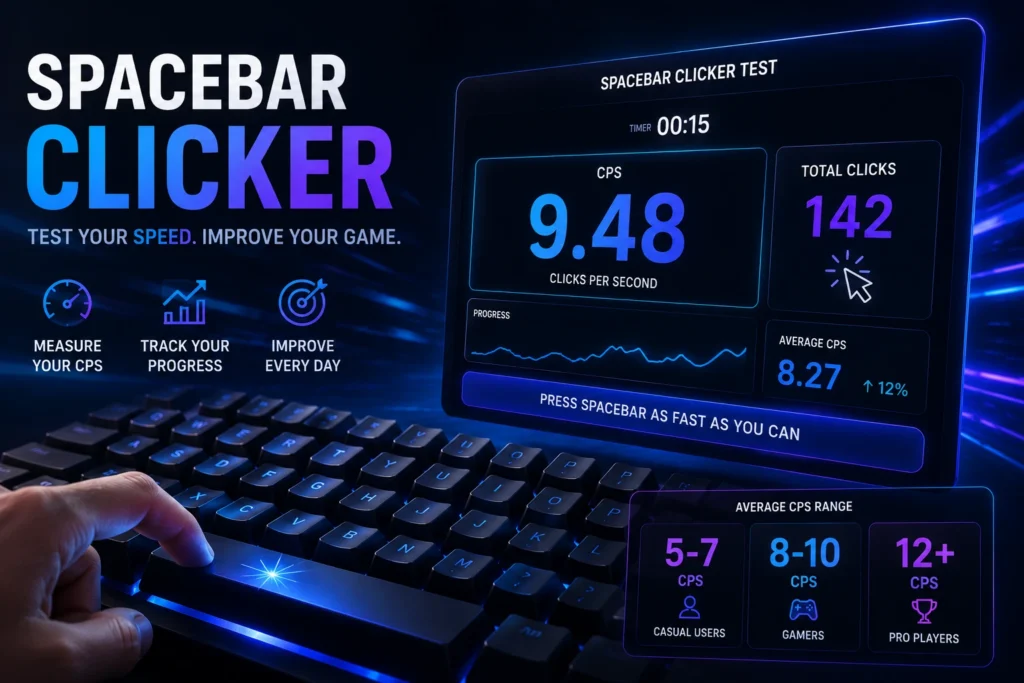
Spacebar clicker is a speed test tool that measures how many times you can press the spacebar key within a specific time frame. It calculates your clicking speed in CPS (clicks per second) and helps you track performance improvements over time.
The average spacebar clicking speed ranges from 5-7 CPS for casual users. Experienced gamers often achieve 8-10 CPS, while professional players can reach 12+ CPS through advanced techniques and consistent practice.
How Does the Spacebar Clicker Work?
Our spacebar speed tester uses precise JavaScript event listeners to capture every keypress:
- Timer Selection: Choose your test duration (5s to 100s)
- Event Detection: JavaScript detects each spacebar keydown event
- Real-Time Counting: Every press increments the click counter instantly
- CPS Calculation: Total clicks divided by time duration equals your CPS rate
- Performance Rating: Your score is compared against standard benchmarks
This browser-based tool provides millisecond-accurate measurements without requiring any software installation.
What Is a Good Spacebar Click Speed?
If you are wondering how fast can you click spacebar? A good spacebar click speed depends on your experience level, but having clear benchmarks helps you understand where you stand.
Average Clicks Per Second on Spacebar
The average person clicks the spacebar between 5 to 7 CPS (Clicks Per Second). Here are the common CPS benchmarks:
- Beginner: Below 4 CPS
- Below Average: 4–6 CPS
- Average: 6–8 CPS
- Good: 8–10 CPS
- Excellent: 10–12 CPS
- Elite: 12+ CPS
If you’re hitting 8 CPS or above consistently, you’re already faster than most people. These numbers give you a realistic target when practicing how fast can you click spacebar.
Spacebar Click Speed World Record
The current world record for spacebar clicking is impressive. The highest verified scores in online tests reach around 14.5 CPS in short 5-second bursts. For longer sessions, the official one-handed record stands at 258 clicks in 30 seconds.
These records show what’s possible with advanced techniques and dedicated practice, though most players focus on reaching the 10–12 CPS range for practical improvement.
Pro Gamer vs Average User Benchmarks
There’s a big difference between casual users and serious gamers. Here’s a clear gaming angle comparison:
| Player Type | Average CPS | Style |
| Average User | 5–7 CPS | Normal typing posture |
| Regular Gamer | 8–10 CPS | Basic multi-finger technique |
| Pro/Competitive Gamer | 11–14+ CPS | Advanced jitter & rhythm |
Pro gamers often train specifically for speed because many games (Minecraft bridging, rhythm games, FPS movement) reward fast and consistent spacebar use. The gap between an average user and a pro can be massive — sometimes more than double the clicks.
Why Test Your Spacebar Speed?
Testing your spacebar clicking speed offers practical benefits:
- Gaming Performance: Many games require rapid spacebar inputs for jumping, dashing, or executing combos in titles like Minecraft, Fortnite, and rhythm games
- Typing Efficiency: Faster spacebar response improves overall typing speed and workflow productivity
- Keyboard Testing: Verify your keyboard’s responsiveness and switch performance
- Competitive Challenge: Compare scores with friends and compete on leaderboards
- Progress Tracking: Monitor improvement through consistent practice and technique refinement
- Hand Dexterity: Regular clicking exercises maintain finger flexibility and coordination
Tips to Improve Your Spacebar Speed
1. Use the Halfway Hold Method
Press and hold the spacebar halfway down with one finger, then rapidly tap it with another finger. This technique can achieve 8-10 CPS by reducing key travel distance.
2. Master Multi-Finger Technique
Alternate between two or three fingers (thumb and index fingers) on the spacebar. This distributes fatigue and increases sustained clicking speed over longer periods.
3. Practice with Different Timers
Start with 5-second bursts to build speed, then gradually increase to 30-60 seconds to develop endurance. Balance both speed and stamina for optimal performance.
4. Maintain Proper Posture
Sit upright with relaxed shoulders and wrists at keyboard height. Poor posture causes fatigue and reduces clicking efficiency by 20-30%.
5. Upgrade Your Keyboard
Mechanical keyboards with linear switches (Red, Silver, or Speed switches) offer faster actuation and less resistance than membrane keyboards, improving CPS by 1-2 points.
6. Develop Rhythm and Consistency
Focus on maintaining a steady clicking pace rather than chaotic bursting. Consistent rhythm generates a higher average CPS than irregular speed variations.
7. Take Strategic Breaks
Rest for 30-60 seconds between tests to prevent muscle fatigue. Overworked fingers lose speed and accuracy rapidly during extended sessions.
8. Strengthen Finger Muscles
Use hand grips or finger exercisers to build thumb and finger strength. Stronger muscles sustain higher clicking speeds without fatigue.
Factors That Affect Spacebar Speed
Your spacebar clicking speed isn’t fixed; it varies based on:
- Keyboard Type: Mechanical keyboards (50-70ms response) outperform membrane keyboards (80-100ms response)
- Switch Type: Linear switches (Red, Silver) are 15-20% faster than tactile or clicky switches
- Finger Technique: Multi-finger methods increase CPS by 30-40% over single-finger pressing
- Practice Frequency: Daily training improves speed by 10-15% within 2-3 weeks
- Physical Fatigue: Tired fingers reduce clicking speed by 25-35%
- Test Duration: Short bursts (5-10s) yield higher CPS than endurance tests (60-100s)
- Hand Position: Optimal thumb placement reduces reaction time by 30-50ms per click
Spacebar Speed in Gaming
For competitive gamers, spacebar speed directly impacts gameplay performance:
- Minecraft PvP: Fast spacebar pressing enables rapid block placement and sprint resetting. Pro players achieve 10-12 CPS for optimal bridging techniques.
- Rhythm Games: Games like Osu!, Friday Night Funkin’, and Beat Saber require precise spacebar timing. Elite players maintain 8-10 CPS with perfect accuracy.
- FPS Games: In games like CS: GO, Valorant, and Apex Legends, fast spacebar clicks help you jump, crouch, and use abilities quickly. This small advantage can help you win more fights.
- Speedrunning: Many speedrun strategies require frame-perfect spacebar inputs. Speedrunners train to maintain 9-11 CPS for extended periods.
- Fighting Games: In games like Street Fighter and Tekken, fast spacebar pressing helps you perform combos and special moves more easily.
Advanced Clicking Techniques
Your spacebar clicking speed isn’t fixed; it varies based on:
Butterfly Clicking
Use two fingers alternating rapidly on the spacebar. This technique can give you 12-15 CPS, but mastering it requires a lot of practice.
Jitter Clicking
Tighten your arm muscles to create a strong vibration that transfers to your finger. Professional jitter clickers reach 15-20 CPS, although this technique carries the risk of repetitive strain injury.
Drag Clicking
Drag your finger across the spacebar to generate multiple inputs from friction. While this is more common with mouse clicking, some keyboards support it for 20+ CPS.
Spacebar Clicker Benefits
For competitive gamers, spacebar speed directly impacts gameplay performance:
- Instant Feedback: See your results immediately after each test
- No Registration Required: Play for free without creating accounts
- Cross-Browser Support: Works on Chrome, Firefox, Safari, Edge, and mobile browsers
- Challenge Friends: Share your score and compete for the highest CPS
- Track Progress: Monitor improvement through repeated testing
- Gaming Skill Enhancement: Faster spacebar speed translates to better in-game performance
- Stress Relief: Repetitive clicking provides satisfying stress release
- Hand-Eye Coordination: Improves overall keyboard dexterity and muscle control
FAQ
Q: What is a good spacebar clicking speed?
Ans: A good spacebar speed is 8-10 CPS. But, casual users’ average speed is 5-7 CPS, while professional gamers achieve 12+ CPS through specialized techniques.
Q: How can I click the spacebar faster?
Ans: You can use the multi-finger technique (alternating between two fingers), practice daily for 10-15 minutes, upgrade to a mechanical keyboard with linear switches, and maintain a consistent rhythm.
Q: What is the world record for spacebar clicking?
Ans: The official world record for one-handed spacebar clicking is 258 presses in 30 seconds, set by Matthew B. Menard. For shorter online speed tests, the highest verified record is 119 presses in 10 seconds (11.9 CPS), with short 5-second bursts reaching up to 14.5 CPS.
Q: Does keyboard type affect spacebar speed?
Ans: Yes, Mechanical keyboards with linear switches (Red, Silver) respond 30-50ms faster than membrane keyboards, improving CPS by 1-2 points on average.
Q: How long should I practice to improve?
Ans: Practice 10-15 minutes daily for 2-3 weeks to see 10-15% improvement. Consistent training builds muscle memory and increases sustained clicking speed.
Q: Can spacebar clicking cause injury?
Ans: Excessive clicking without breaks can cause repetitive strain injury. Take 60-second breaks every 5-10 minutes, maintain proper posture, and avoid aggressive jitter clicking techniques.
Q: What’s the difference between CPS and CPM?
Ans: CPS (Clicks Per Second) measures clicks per 1 second, while CPM (Clicks Per Minute) measures clicks per 60 seconds. CPS is the standard metric for spacebar speed tests.